
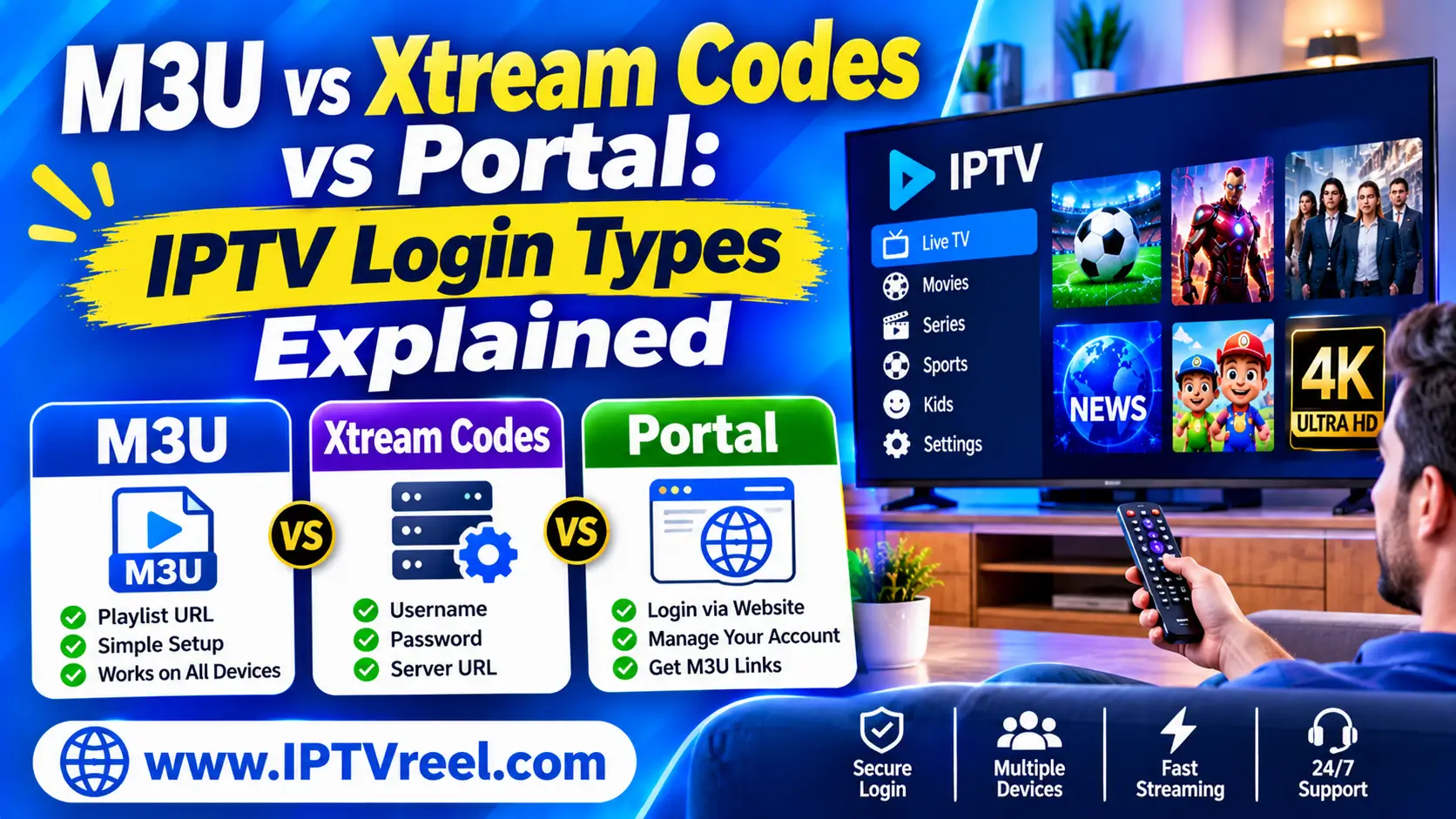
M3U vs Xtream Codes vs portal is the first choice you face when you set up an IPTV player. Each one gets channels onto your screen, but they work differently, and the choice affects your programme guide, your security and how easy problems are to fix. This guide explains the three connection types in plain language, with a comparison table, setup steps and fixes for the errors people hit most.
Quick answer
- M3U playlist: a text file or link that lists channels and their stream addresses. Simple and works almost everywhere.
- Xtream Codes API: a login (server address, username, password) that lets the app fetch channels, movies, series and the guide for you.
- Portal (Stalker/MAG): a portal address tied to your device’s MAC address, mostly used by MAG boxes and emulator apps.
- Use the type your service documents, and keep the credentials private.
What is an M3U playlist?
An M3U playlist is a plain text file that lists channels. Each entry has a line of information about the channel and a line with the stream address. The file starts with #EXTM3U. A short example (placeholder addresses only):
#EXTM3U url-tvg="https://example.com/guide.xml"
#EXTINF:-1 tvg-id="news.example" tvg-name="Example News" tvg-logo="https://example.com/logo.png" group-title="News",Example News
https://example.com/live/news/index.m3u8tvg-idis the key that links the channel to the programme guide (EPG).tvg-logois the channel logo andgroup-titleis the category the app shows.url-tvgin the first line can point to the guide file.
M3U vs M3U8
M3U8 is simply the UTF-8 version of M3U, so channel names with accents or non-Latin letters display correctly. Don’t confuse it with HLS: the HLS standard (RFC 8216) also uses .m3u8 files, but those describe the video segments of a single stream, not a list of channels. A channel list and a stream manifest can both end in .m3u8. For more background see M3U on Wikipedia or our guide to what an M3U playlist is and how it works.
Strengths and weaknesses
- Strengths: works in VLC, Kodi and most IPTV apps, easy to back up, easy to edit.
- Weaknesses: it is only a list. Movie posters, seasons and account details are limited, and a large file can be slow to load.
- Security: many links contain a username and password in the address. Treat the link like a password.
What is the Xtream Codes API?
“Xtream Codes” here means a login format rather than a brand you choose. The app asks for three things: the server address (with port), a username and a password. It then asks the server for the live categories, channels, movies, series and the guide. Servers that follow this format usually offer endpoints such as player_api.php for the lists and xmltv.php for the guide, so the app needs nothing else from you.
- Strengths: organised movies and series, posters, account information such as expiry date, and an automatic guide.
- Weaknesses: it depends on the server behind it. Many different systems imitate the format, so the login alone tells you nothing about what the service is or who runs it.
- Security: your username and password are stored in the app. Never type them into websites that offer to “convert” or “test” your login.
What is a portal (Stalker or MAG) login?
Portal logins use a portal address plus the MAC address of your device or app. The service registers that MAC address, and the portal shows its own menu and channel list. This is common on MAG set-top boxes and in emulator apps.
- Strengths: no username or password to type, and one registered device.
- Weaknesses: fewer apps support it, it is harder to troubleshoot, and if the MAC address changes the login stops working.
M3U vs Xtream Codes vs portal: comparison table
| Feature | M3U playlist | Xtream Codes API | Portal (Stalker/MAG) |
|---|---|---|---|
| What you enter | A link or a file | Server, username, password | Portal address, MAC address |
| Channel list | Static file, refresh to update | Fetched from the server | Served by the portal |
| Programme guide (EPG) | Separate XMLTV link, matched by tvg-id | Usually built in | Built into the portal |
| Movies and series | Basic, as plain entries | Organised with posters and seasons | Depends on the portal |
| Typical apps | VLC, Kodi, most players | Many IPTV players | MAG boxes, some emulators |
| Best for | Simplicity and your own lists | Large libraries with rich details | Set-top boxes |
| Watch out for | Password inside the link | Credentials stored in the app | MAC address changes |
What is the EPG and how does it fit in?
The electronic programme guide (EPG) shows what is on now and next. It is a separate file, usually in the XMLTV format. With M3U you give the app the guide link yourself; with an Xtream-style login the app usually finds it automatically. The guide only lines up when the channel’s tvg-id matches the ID in the guide file, and when the time zone is right. If your guide is empty or wrong, see our fixes for an EPG that will not load and our explainer on how the IPTV EPG works.
Which connection type should you use?
- You have your own list or legal free channels: use M3U.
- You want organised movies, series and account details: use an Xtream-style login if your service supports it.
- You use a MAG box: use the portal.
- Your service documents one method: follow it. Mixing methods rarely helps.
How to add each type in a player
Menu names differ between apps and versions, but the idea is the same.
- VLC (M3U): open Media → Open Network Stream and paste the playlist link, or open the file. VLC plays the list but has no full guide. VLC download.
- Kodi (M3U + XMLTV): install and configure the PVR IPTV Simple Client, then enter the playlist link and the guide link. Kodi’s own page explains it: IPTV Simple Client.
- IPTV player apps (M3U, Xtream, portal): choose Add playlist, pick the type your service gave you, then paste the details exactly. Step-by-step guides: TiviMate setup and IPTV Smarters Pro setup.
Common errors and how to fix them
- The playlist is empty or will not load: check the link for a missing character, confirm it still works in a browser, and make sure you chose the right type (M3U vs Xtream). Try again later in case the server is busy.
- “Login failed”, 401 or 403: re-type the username and password, check the server address and port, and look at whether your subscription is active.
- “Maximum connections reached”: the account allows a set number of simultaneous streams. Close the app on other devices.
- Channels list loads but nothing plays: the stream may be offline, your network may block it, or the app’s player setting may not suit the stream. Test another channel and another player.
- No guide or wrong times: see the EPG section above and check the time zone setting.
- Buffering: test your internet speed, use a wired connection or 5 GHz Wi-Fi, and read our guide on how to fix IPTV buffering.
Keep your login details safe
- Treat M3U links and Xtream logins like passwords. Don’t post them in public forums or screenshots.
- Don’t paste them into online “playlist converters” or “checkers” you do not trust.
- Install players from official app stores. Be careful with apps from unknown websites.
- If a link leaks, ask your service to change it.
Is it legal to use IPTV playlists and logins?
IPTV is a delivery technology and is legal. What matters is whether the service has the rights to the content it streams, and the rules differ by country. IPTVReel does not host or provide any streams. Check the laws where you live before you use any service, and read our guides to the legal position in the USA and the UK, plus our overview The Legality of IPTV.
Frequently asked questions
Is an M3U link the same as an M3U8 link?
M3U8 is the UTF-8 version of M3U. For channel lists they behave the same. A .m3u8 file can also be an HLS stream manifest, which is a different thing.
Can I turn an M3U link into an Xtream Codes login?
No. An Xtream-style login needs a server that supports it. Some services offer both an Xtream login and an M3U link for the same account, but you cannot create a login from a plain playlist file.
Why did my playlist stop working?
The usual causes are an expired subscription, a changed link or password, a server problem, or a network block. Check the account first, then the link, then try another network.
Which connection type is the most secure?
None is secure by itself. Each one carries credentials, so the safest habit is to keep them private and install apps from official stores.
Which is best for the programme guide?
An Xtream-style login usually gives the guide automatically. With M3U you add an XMLTV link and match the channel IDs. A portal includes its own guide.
Summary
M3U is a simple list, an Xtream Codes login gives the app a full catalogue, and a portal ties everything to your device’s MAC address. Choose the one your service documents, keep the details private, and use the fixes above when something breaks. For more help see our M3U guide, the EPG fix and the buffering guide.