
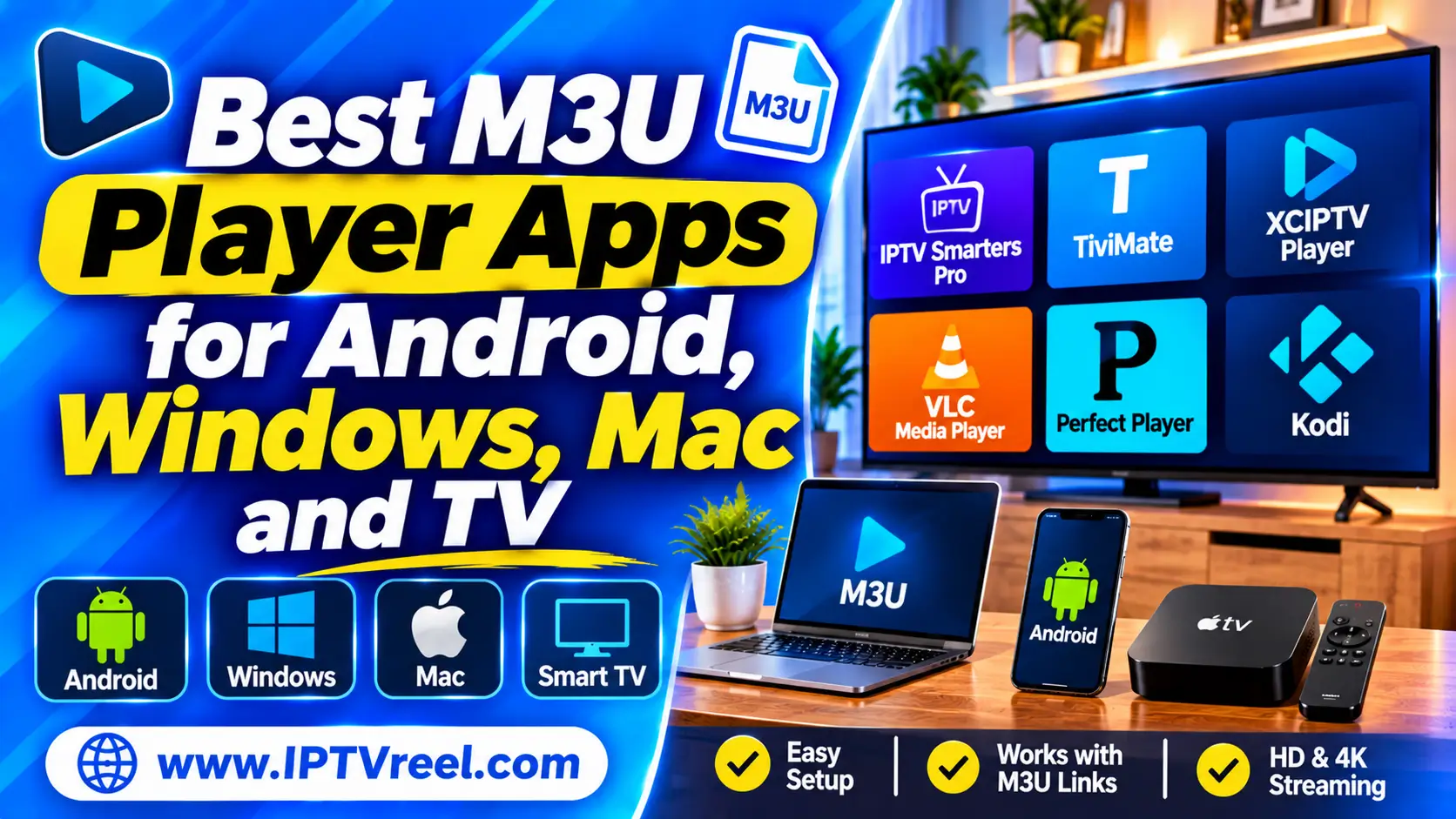
An M3U player is an app that opens an M3U playlist and plays the channels listed in it. Choosing one matters more than most people expect: the player decides whether you get a programme guide, a remote-friendly TV interface, catch-up, recording and how often the playlist reloads. This guide compares M3U player apps for Windows, Mac, Linux, Android and Android TV, Apple devices, smart TVs and the browser, and explains what to look for before you install anything.
Quick answer
- You need a player and a playlist. IPTVReel does not provide playlists; this article is only about the player.
- For a simple test on a computer, use VLC. For a guide (EPG) and a TV-style interface, use a dedicated IPTV player or Kodi with its PVR IPTV Simple Client.
- For a home server that records and streams to many devices, look at Jellyfin.
- Avoid online M3U players for anything that contains a username or password.
What is an M3U player?
An M3U playlist is a text file with a list of stream addresses (see our guide to what an M3U playlist is and how it works). A player reads that list, shows the channels in groups and plays the stream you pick. Some players also read a separate programme guide in XMLTV format and some also support other login types, which we explain in M3U vs Xtream Codes vs portal.
What to look for in an M3U player
- Playlist types: local file, remote link, and whether it also accepts Xtream-style or portal logins.
- Programme guide (EPG): support for an XMLTV link and a clear way to match channels to the guide.
- Interface: a remote-friendly layout for TVs, or a mouse-friendly one for computers.
- Catch-up, pause and recording: some players have them, others do not. See our guides to how the EPG works and fixing buffering.
- Platforms and updates: an app that is still updated and available in your device’s official store.
- Privacy and ads: read what the app collects and whether it shows ads.
M3U player apps compared
| Player | Platforms | Good for | Notes |
|---|---|---|---|
| VLC | Windows, Mac, Linux, Android, iOS | Quick tests, simple playback | Free and open source. No full programme guide |
| Kodi + PVR IPTV Simple Client | Windows, Mac, Linux, Android and more | Playlist plus XMLTV guide in a media centre | Free and open source. Needs some setup |
| IPTVnator | Windows, Mac, Linux, browser | Desktop IPTV player | Free and open source. Supports M3U/M3U8, Xtream and portals; XMLTV import on desktop (per its project page) |
| Jellyfin Live TV | Server plus apps on many devices | Home server, many screens | Free and open source. Accepts an M3U tuner and an XMLTV guide |
| TiviMate | Android TV and Fire TV | TV-style interface with guide | Some features need a paid upgrade. See our TiviMate setup guide |
| IPTV Smarters Pro | Android, iOS and others | Phones and tablets | Several versions exist. See our setup guide |
Features and prices change, so check each app’s own page before you choose. The table lists what the projects document; it is not a ranking or an endorsement.
Best M3U player by device
Windows, Mac and Linux
VLC is the easiest way to confirm that a playlist works. For a better channel list and a guide, try IPTVnator or Kodi with the PVR IPTV Simple Client.
Android phones and Android TV or Fire TV
Most dedicated IPTV player apps target Android. Install from the Google Play Store or Amazon Appstore, and read our overview of IPTV apps for Android TV boxes.
iPhone, iPad and Apple TV
Search the App Store for an IPTV or M3U player and check the reviews and last update date. Our guide to IPTV on Apple TV covers the basics.
Smart TVs and Chromecast
App availability on Samsung, LG and similar TVs varies by model and year. Casting from a phone or computer is a fallback; see IPTV on Chromecast.
Online M3U players: handle with care
A browser-based M3U player is convenient, but it has real limits.
- Privacy: if your playlist link contains a username and password, pasting it into a website sends that login to the site’s owner. Do not do it with a link that identifies your account.
- HTTP and HTTPS: browsers usually block plain
http://streams on a securehttps://page, so many channels will not load. - Cross-site rules (CORS): some streams refuse to play in a web page.
- Reliability: free web players can disappear or add ads.
How to test an M3U player in five minutes
- Load a playlist you are allowed to use.
- Check that the channel list and groups look right.
- Play two or three channels and note how fast they start.
- Add an XMLTV guide link and check the “now and next” times.
- Leave one channel running for ten minutes and check for drops.
Troubleshooting a playlist that will not play
- Empty list: check the link or file type and read our guide to the three login types.
- Channels listed but no picture: test another player; some streams need a specific format.
- No guide: see how to fix an EPG that will not load.
- Buffering: see how to fix IPTV buffering.
Frequently asked questions
What is the best M3U player?
There is no single best one. VLC suits quick tests, Kodi and IPTVnator suit a guide on a computer, and dedicated TV apps suit a remote control. Match the player to your device.
Does an M3U player include channels?
No. A player only plays what a playlist points to. It does not provide channels, and neither does IPTVReel.
Can I play an M3U playlist in a browser?
Some web players can, but they have privacy and technical limits, as explained above.
Why does my playlist work in one player but not another?
Players handle stream formats, headers and guide links differently. Try a second player to find out whether the problem is the playlist or the app.
Is it legal to use an M3U player?
The software is legal. What you watch must be content you have the right to view. Read The Legality of IPTV and check the rules where you live.
Summary
Pick the M3U player that matches your device and the features you need, test it with a playlist you are allowed to use, and keep any login details private. Start with VLC for a quick test and move to a player with a guide if you want a TV-style experience.